
WCH-LinkE Mini RISC-V / ARM USB Debugger & Programmer
Almost sold out
Easy-to-switch WCH-LinkE USB debugger/programmer for WCH RISC-V and ARM microcontrollers (SWD, JTAG), with a virtual COM port, mode selector, 3.3 V / 5 V supply support and automatic firmware detection. Ideal for fast programming and debugging.
9.90 EUR
Lowest price in the last 30 days:
Shown according to the lowest price in the 30 days before the discount.
Product details
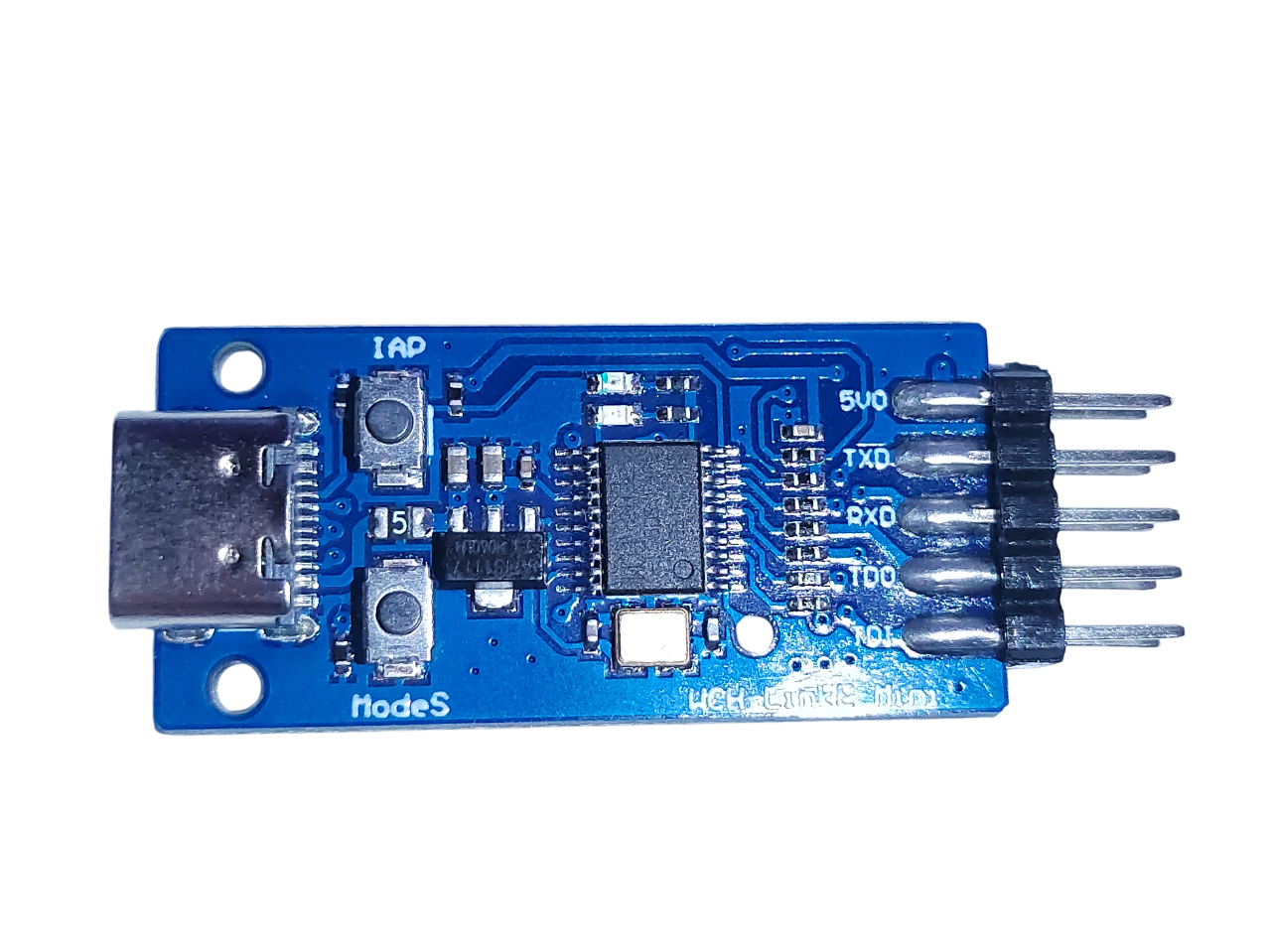
WCH‑LinkE is a powerful, affordable debugger/programmer for embedded developers working with WCH RISC-V and ARM microcontrollers. It supports firmware flashing and real-time debugging via SWD or JTAG over USB-C, without requiring a separate power supply (dual 3.3 V / 5 V operation).
🔸 Key advantages
- Two modes – RISC‑V a ARM (SWD/JTAG), switchable using the ModeS button or software such as MounRiver Studio or WCH-LinkUtility
- Colour-coded LED status indication (for example, blue for idle/ARM mode or flashing)
- Integrated serial port (CDC) – enables debug logs over the same USB connection, saving ports
- Automatic firmware detection and update capability via the IAP button or software.
🔸 Technical specifications
| Function | Details |
|---|---|
| USB | USB2.0‑A, plug‑and‑play |
| Power supply | External 3.3 V or 5 V; supply output for the target board |
| Interface | SWD for ARM, two-wire debugging for RISC-V, JTAG support for ARM chips |
| Mode selector | ModeS button or software; the blue LED indicates the mode |
| Serial | 1,200–921,600 bps, CDC class |
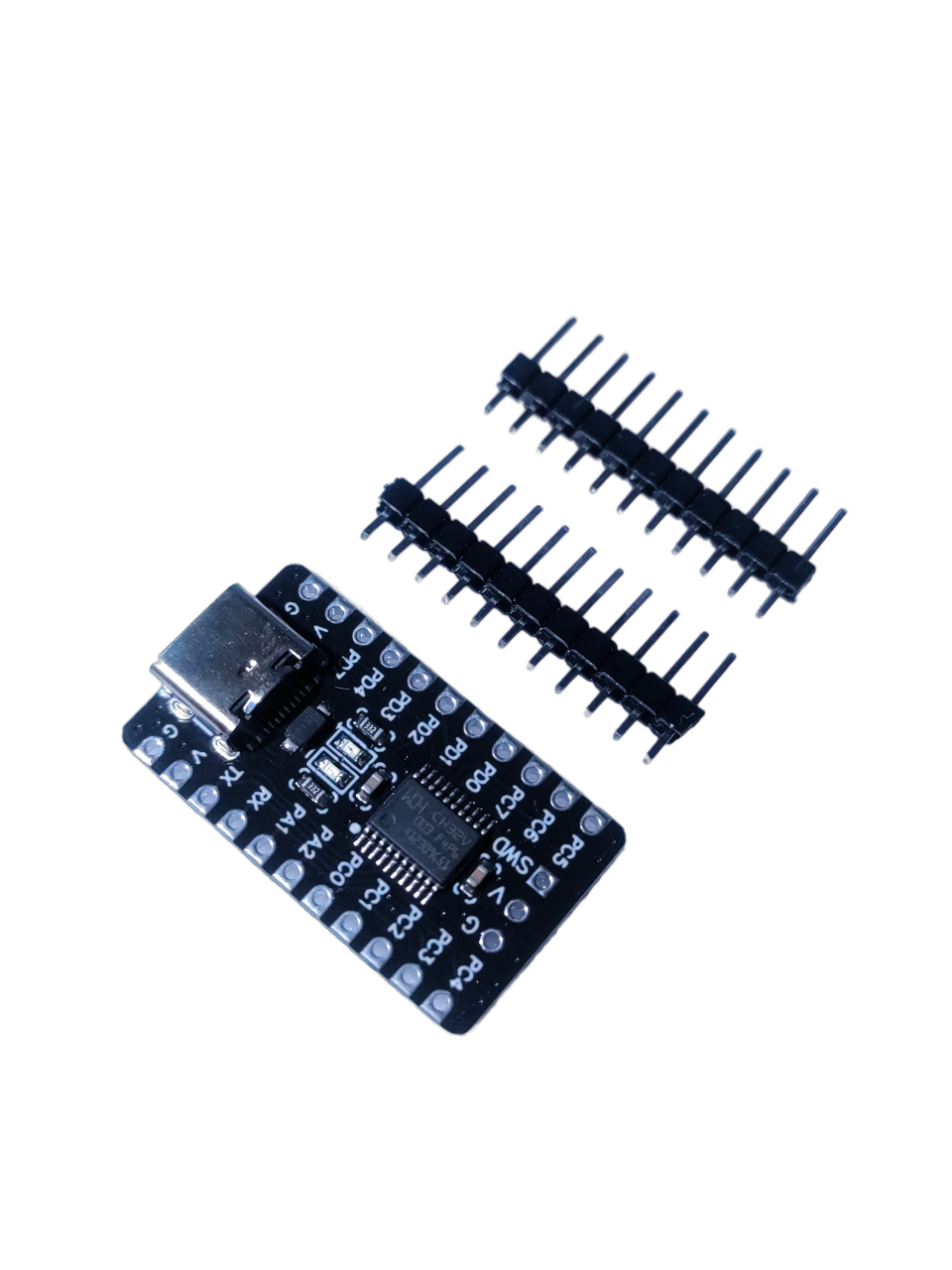
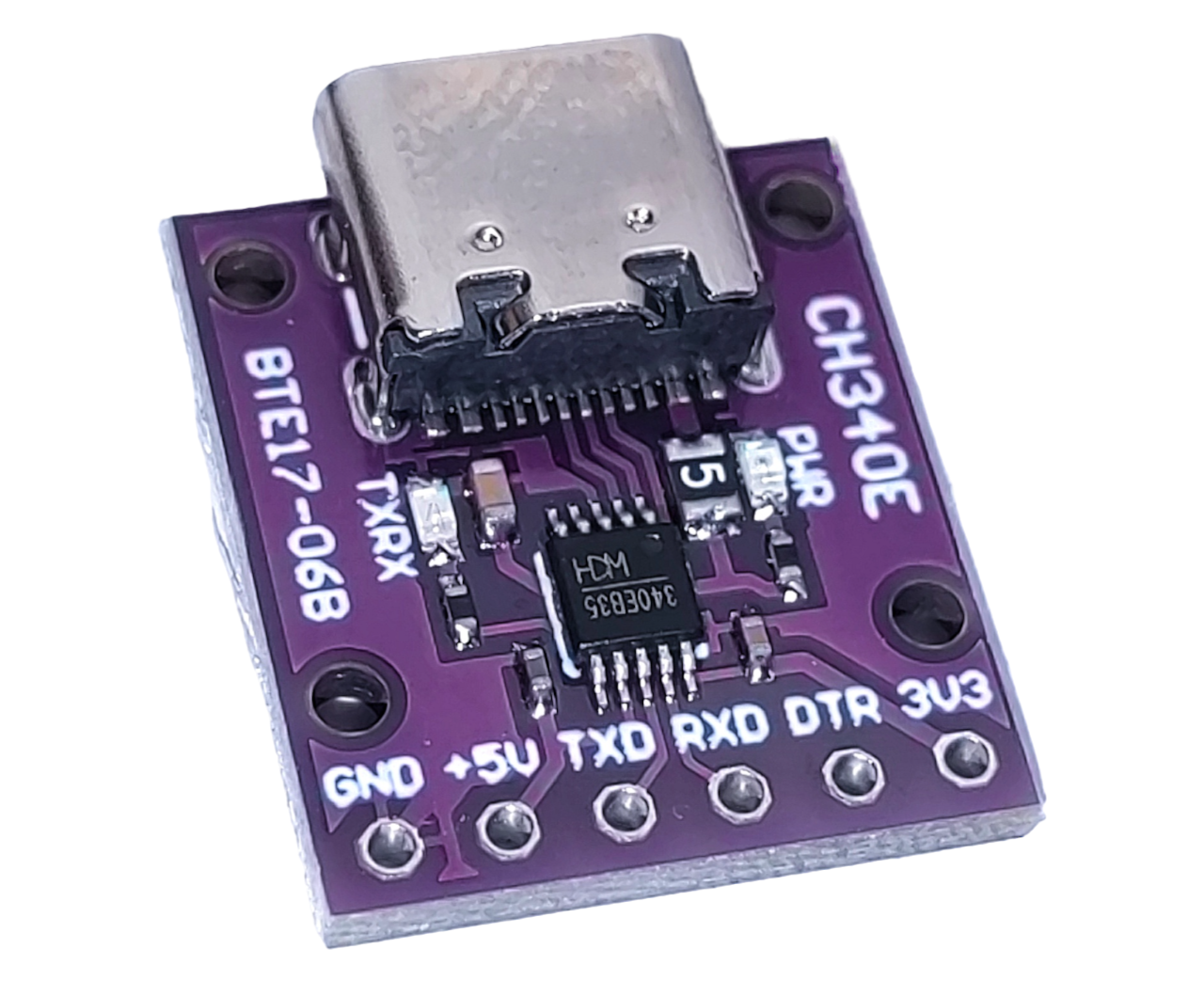
🔸 WCH-LinkE module pinout and connection to a target board
| Module Pin Interface | Target Board Interface | Remarks |
|---|---|---|
| 5V | MCU-5V power interface | Connect 5V power supply of the target board |
| 3.3V | MCU-3.3V power interface | Connect the 3.3V power supply of the target board |
| GND | MCU-GND | Connect GND of the target board |
| SWCLK | MCU-SWCLK | Connect SWCLK of the target board |
| SWDIO | MCU-SWDIO | Connect SWDIO of the target board |
| RX | MCU-UART-TX | Connect the UART - RX of the target board |
| TX | MCU-UART-RX | Connect the UART - TX of the target board |
| ModeS | \ | Press and hold the ModeS key to power up until the status indicator lights up to complete the mode switch |
| IAP | \ | WCH-LinkE manual update key |
🔸 Supported chips by Link module type
| Common chip models | WCH-Link | WCH-LinkE | WCH-DAPLink | WCH-LinkW |
|---|---|---|---|---|
| CH32V003 | ✘ | ✔ | ✘ | ✔ |
| CH643 / CH32X035 / CH32L103 | ✘ | ✔ | ✘ | ✔ |
| CH32V10x / CH32V20x / CH32V30x | ✔ | ✔ | ✘ | ✔ |
| CH569 / CH573 / CH583 | ✔ | ✔ | ✘ | ✘ |
| CH32F10x / CH32F20x / CH579 / related chips with SWD interface support | ✔ | ✔ | ✔ | ✔ |
| Related chips with JTAG interface support | ✘ | ✔ | ✔ | ✔ |
🔸 WCH-LinkE modes and their features
| Mode | LED indicator | IDE | Supported chip |
|---|---|---|---|
| RISC-V | Blue LED always off when idle | MounRiver Studio | Our RISC-V cores support two-wire debugging |
| ARM | Blue LED always on when idle | Keil / MounRiver Studio | ARM cores support the SWD protocol |
Summary of advantages:
✅ RISC-V + ARM debugging and programming
✅ Modes selectable by button or software
✅ Integrated serial debug port
✅ 3.3 V / 5 V target-board power
✅ LED indication and automatic firmware updates
✅ Compatibility with a wide range of software tools
Reviews
No reviews yet.