
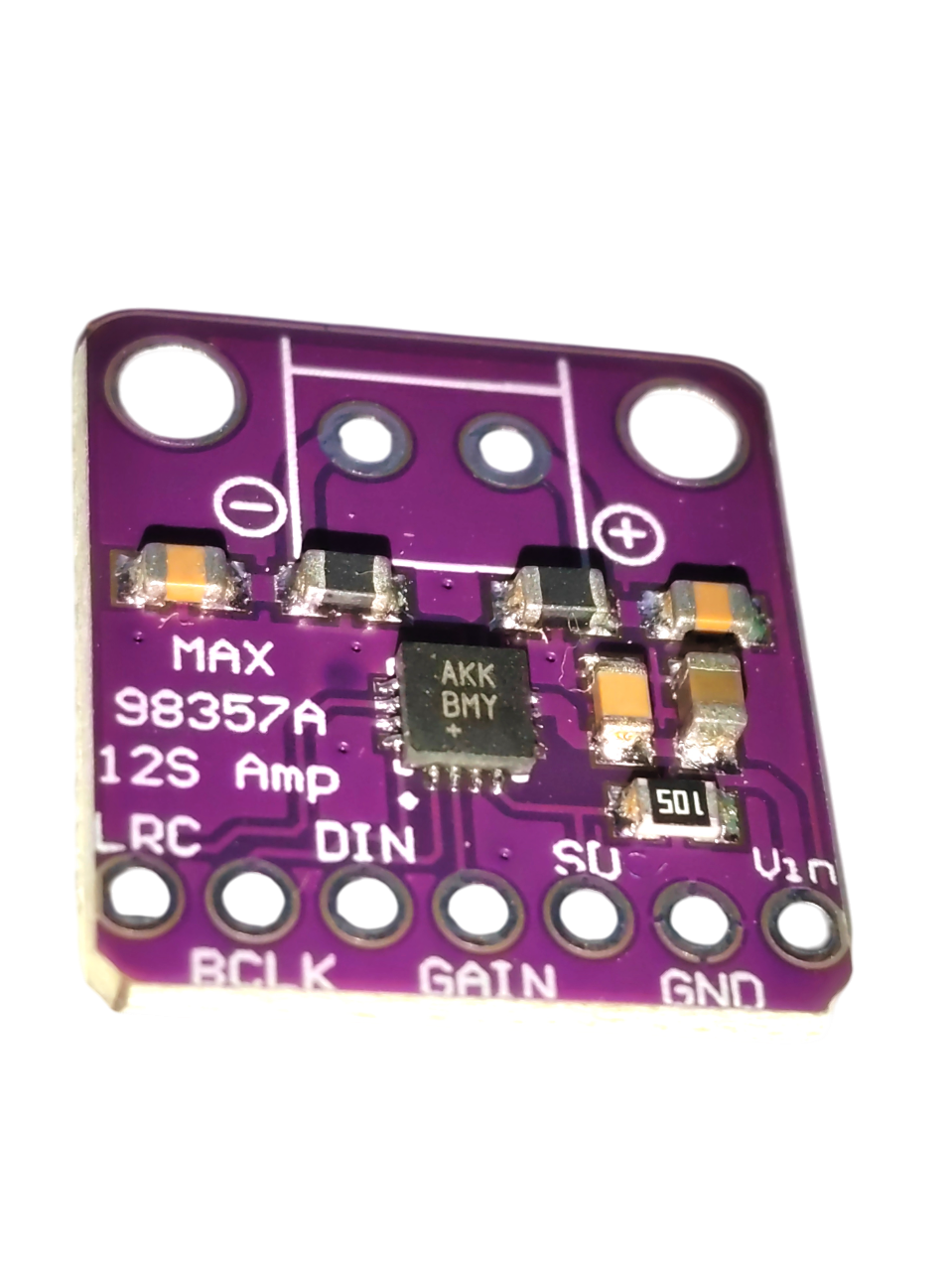


MAX98357 I2S 3 W Class-D DAC Audio Amplifier
Product details
Main features:
- I2S digital input: Enables direct connection to microcontrollers and digital audio sources (e.g. ESP32, Arduino), providing clean digital signal transmission with minimal losses.
- 3 W output power: With a maximum output of 3 W, this amplifier can drive small to medium-sized speakers and provide good audio quality even at higher volume levels.
- Class-D technology: Class-D amplification offers high efficiency and low energy consumption for reliable performance during prolonged use.
- Compact design: Its small dimensions make it easy to integrate into space-constrained devices without compromising output sound quality.
- Easy integration: The straightforward interface and compatibility with multiple platforms make installation quick and convenient.
Why choose MAX98357?
The MAX98357 I2S 3 W Class-D amplifier is designed for sound quality and energy efficiency. Its integrated digital-to-analog converter enables accurate signal reproduction and clear, detailed sound. It is suitable for a wide range of applications, from home audio systems and portable speakers to professional equipment.
Technical specifications:
- Input: I2S digital audio input
- Output power: Up to 3 W per speaker
- Technology: Class D
- Power supply:5 V (VIN)
- Dimensions: [17.7 mm × 19.1 mm]
MAX98357 applications with ESP32:
✅ Custom Bluetooth speaker – Pair the ESP32 over Bluetooth A2DP to make a wireless audio player.
✅ WiFi internet radio – Stream internet radio over WiFi and play it using the I2S amplifier.
✅ MP3 player – Use ESP32 to play MP3 files from an SD card or the internet.
✅ Smart-home audio alerts – Create intelligent audio alerts for home automation.
✅ DIY voice assistant – Use the MAX98357 to play voice responses from AI assistants.
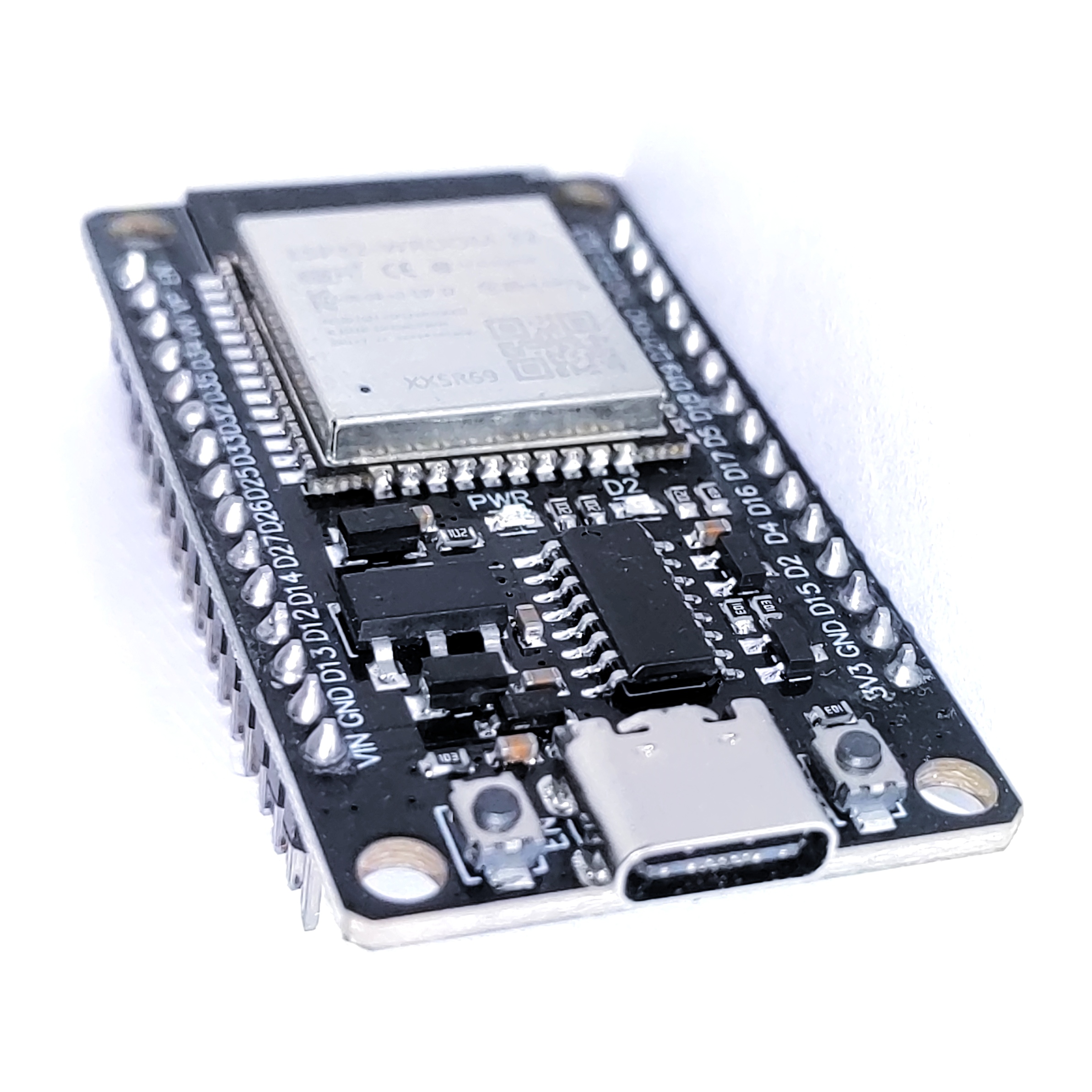
To connect to ESP32, select suitable pins that support the I2S protocol. Avoid the ESP32 input-only pins because they cannot output audio signals.Apart from the input-only pins IO34, IO35, IO36 a IO39 , all other ESP32 pins are compatible with the MAX98357 and may be used for I2S communication.
Recommended ESP32 pins for MAX98357:
| MAX98357 pin | ESP32 pin | Function |
|---|---|---|
| DIN | IO27 | Digital audio data input |
| BCLK | IO26 | Bit clock |
| LRC | IO25 | Channel select |
*To use the MAX98357 module, first install the A2DP library in Arduino IDE.
ESP32 test code (BLUETOOTH AUDIO AMPLIFIER)
// Arduino Bluetooth A2DP Sink C++ kód
#include "BluetoothA2DPSink.h"

BluetoothA2DPSink a2dp_sink;

// Callback pre ovládanie hlasitosti
void volume_control_callback(int volume) {
    Serial.printf("Current Volume: %d\n", volume);
}

// Callback pre prijímanie metaúdajov médií
void avrc_metadata_callback(uint8_t attribute_id, const uint8_t *value) {
    if (value == nullptr) {
        return;
    }
    // Konverzia z uint8_t na char
    String metadata = String((const char *)value);

    switch (attribute_id) {
        case 1: // Názov
            Serial.printf("Title: %s\n", metadata.c_str());
            break;
        case 2: // Interpret
            Serial.printf("Artist: %s\n", metadata.c_str());
            break;
    }
}

void setup() {
    Serial.begin(115200);

    // I2S konfigurácia
    i2s_pin_config_t my_pin_config = {
        .bck_io_num = 26, // BCLK
        .ws_io_num = 25,  // LRC
        .data_out_num = 27, // Din
        .data_in_num = I2S_PIN_NO_CHANGE
    };
    a2dp_sink.set_pin_config(my_pin_config);

    // Callback funkcie
    a2dp_sink.set_on_volumechange(volume_control_callback);
    a2dp_sink.set_avrc_metadata_callback(avrc_metadata_callback);

    a2dp_sink.start("DENUINO");
    Serial.println("Bluetooth A2DP Sink Started");
}

void loop() {
    if (Serial.available()) {
        String command = Serial.readStringUntil('\n');
        command.trim();

        if (command == "volume") {
            Serial.println("Enter volume intensity (1-100):");
            while (!Serial.available()) {
                delay(10); // Čaká, kým prídu dáta
            }
            int volume = Serial.parseInt();
            if (volume >= 1 && volume <= 100) {
                a2dp_sink.set_volume(volume);
                Serial.printf("Volume set to: %d\n", volume);
            } else {
                Serial.println("Invalid volume value. Please enter a value between 1 and 100.");
            }
        } else if (command == "media data") {
            Serial.println("Requesting media metadata...");
            // Metaúdaje sa automaticky zobrazia pomocou callback funkcie
        } else {
            Serial.println("Unknown command. Use 'volume' or 'media data'.");
        }
    }
}
Reviews
No reviews yet.